
X16: how should you maintain your elliptical trainer?
To ensure the longevity and performance of your X16 elliptical machine, clean it regularly with a mild detergent. Position it so that it is stable and remember to get help to move it. Each time you clean, check that the parts are properly adjusted, tighten them if necessary and do not delay in changing a part if it is damaged.
26 Sept 2020
·
5 min read
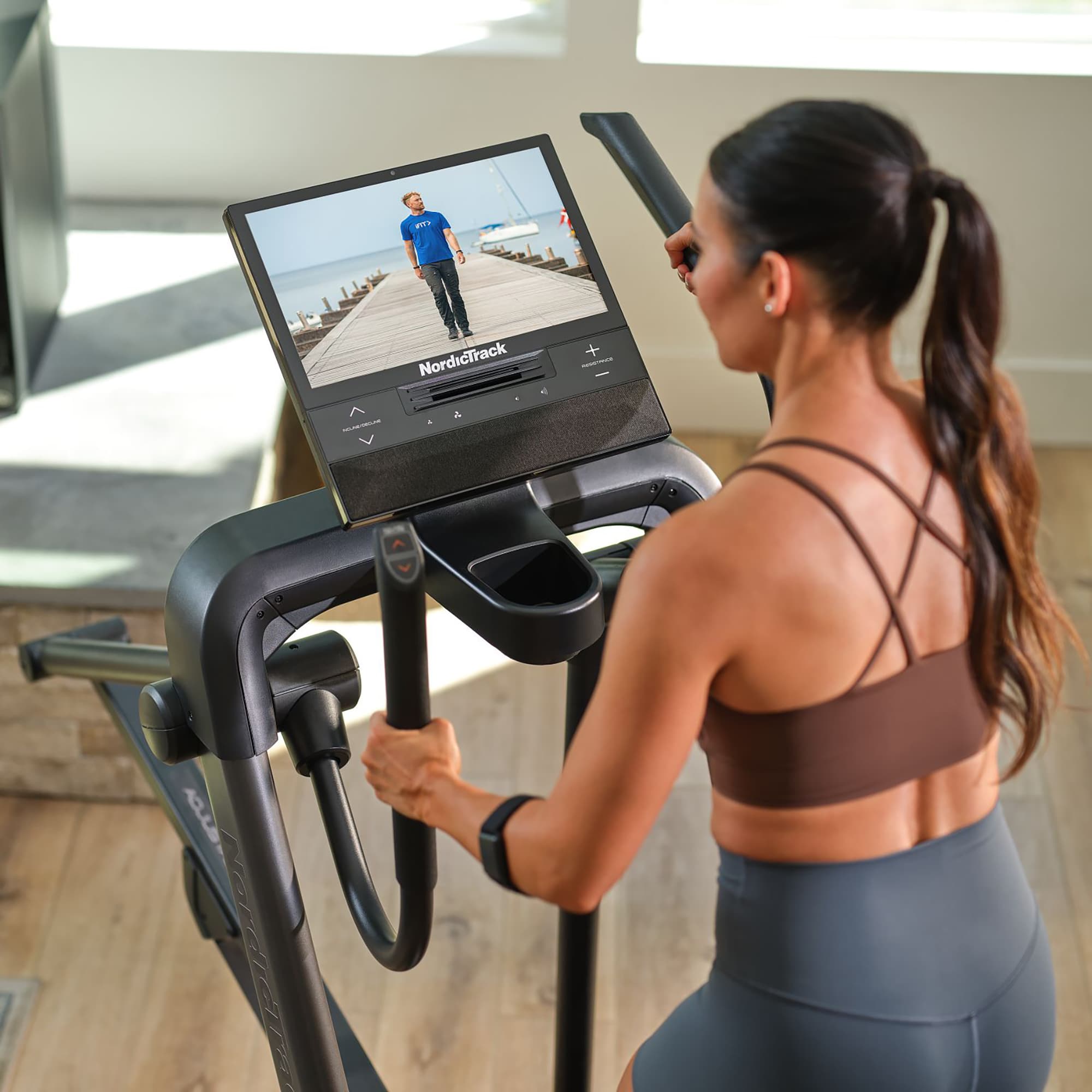
To extend the life of your X16, incorporate a few simple steps into your training routine. Here are all the tips you'll need to maintain your equipment, both adjustments and positioning, so you can enjoy many hours of fun on your home fitness equipment.
A clean X16 that's ready for training
There's nothing more motivational for training than a clean trainer that's in perfect condition! Once a week, for example, start your warm-up by dusting your trainer to the sound of music. To clean your X16, take a damp cloth and add a little soap or mild detergent. X16 elliptical machine training makes you sweat which is exactly what you want. After hydrating at the end of the session, remove any sweat from the handles and the touchscreen. Your device will reward you for doing so!
Before going on holiday or any extended period during when it won't be used, protect your X16 elliptical machine under a cover: it will be ready to serve you for new sessions as soon as you return!
How to properly position your X16
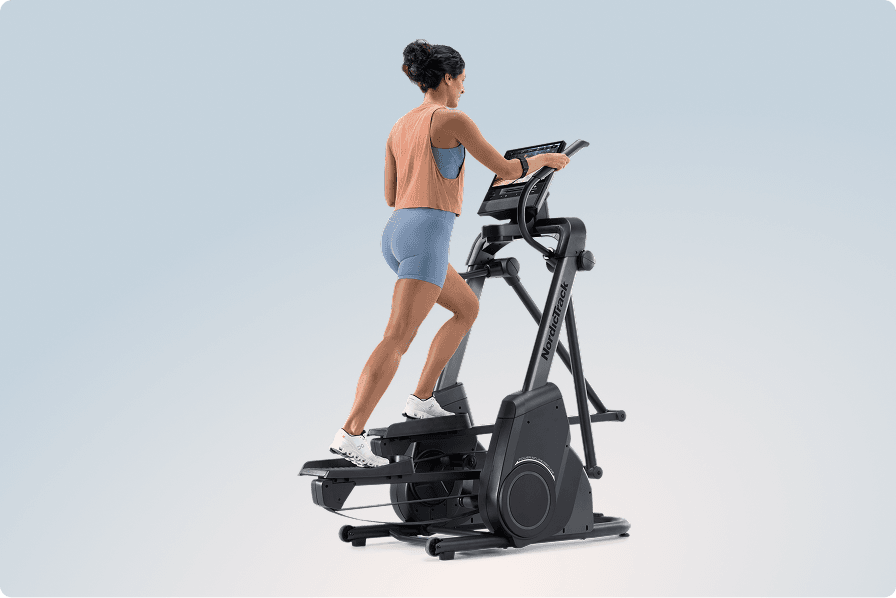
Perfect for small spaces, an X16 elliptical machine fits anywhere there is a power outlet and a location where the screen is out of the sun. That's all you need for a fitness room at home. Here are some tips to keep in mind to position your X16 properly.
The perfect location for your home fitness equipment
An X16 Elliptical will be at home in any room that is protected from humidity and dust: a bedroom, an office or a living room are perfect for training in. Placed on a carpet, it simply requires roughly 1.2 m of space at the front, 1.8 m at the rear and 0.6 m on each side to allow for comfortable movement.
To move it, get help from a friend or family member. Its rear wheels will allow you to transport it without shoving. As a reward, you can then challenge yourself on the device with an iFIT® Pro membership, included for 1 month with the purchase of your X16.
Set your X16 level
To set up your X16 flat, turn the two adjustment feet located under the front of the frame. This will allow you to level the trainer easily. Once your elliptical trainer is stable, the automatically adjusting resistance and incline will let you explore new settings throughout your sessions, powered by iFIT.
The key steps to keep your X16 in a good state
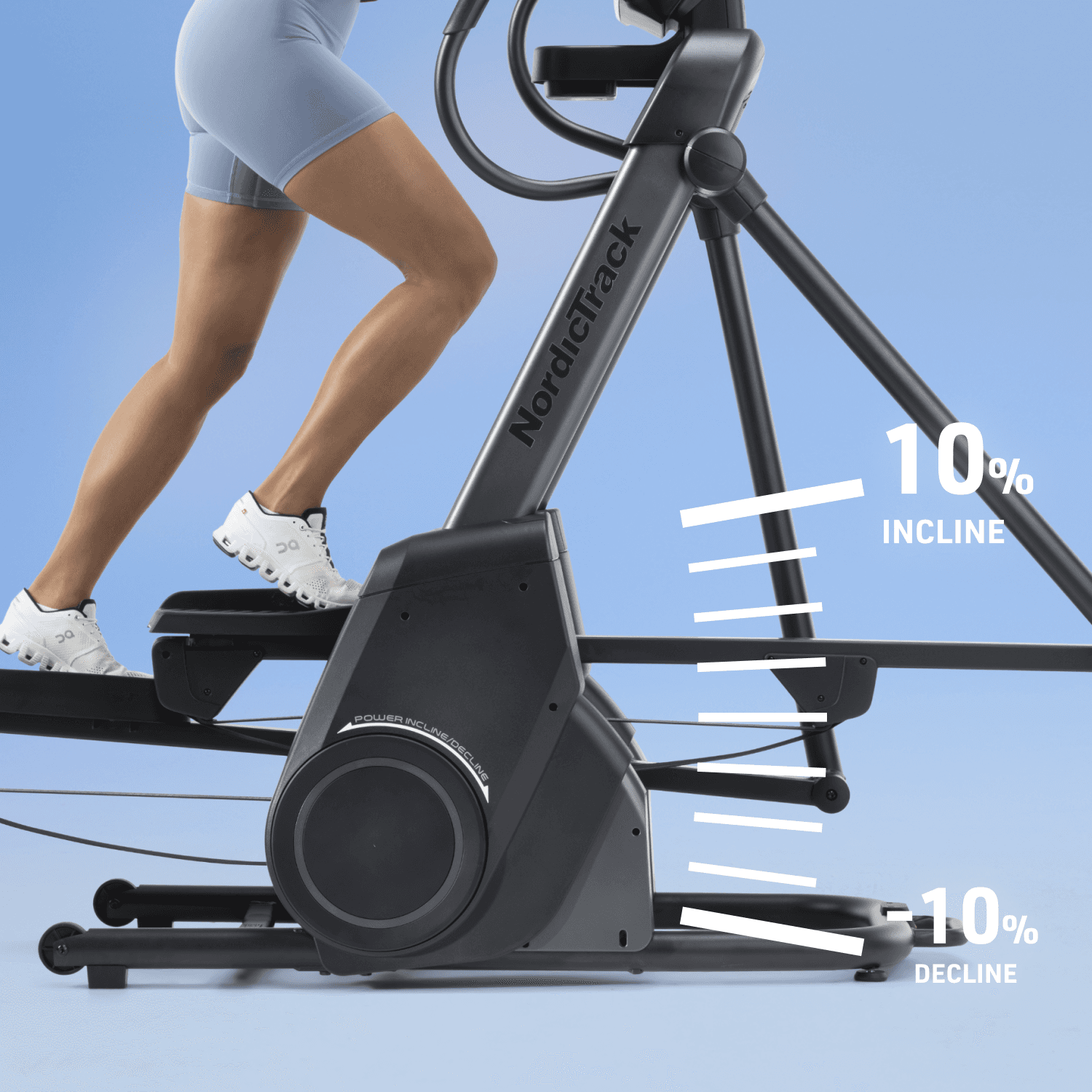
Very easy to assemble, an X16 is robust and designed for intense training. By regularly checking that all of the components are properly adjusted, you can count on it to achieve your fitness goals for a very long time.
Check and tighten the parts of an X16
As it is subject to vibration during use, check that all the parts are tight regularly. This will ensure the trainer is still fully operational and secure. If necessary, tighten the bolts according to the user manual supplied with your X16.
X16 updates and settings
Your X16 Elliptical may require adjustments from time to time that you can make by yourself if you feel the need:
- Console software update: if you have not enabled automatic updates, then you can enjoy an optimal user experience by installing the latest version of the X16 software. To do this, press Firmware Update: the installation will start automatically.
- Incline and resistance calibration: after moving the machine, recalibrate the incline and resistance settings of your X16 Elliptical by following the calibration programme accessible via the trainer's console.
- Sensor check: if the information displayed on the console seems off, refer to the X16 user manual for guidance on realigning the sensors.
Change parts quickly when necessary
If you notice that a part is damaged, NordicTrack customer service is at your disposal. Note down the serial number of the trainer and the exact name of your model. For ease of exchange, each part is numbered in the user manual and the serial number of your X16 is listed on the first page.
The less time it takes to report a concern, the more likely it will be that the matter will be resolved quickly and without damaging your device. NordicTrack's highly responsive technicians will make every effort to ensure that you continue to have access to home fitness sessions on your X16.
Check out our Fitness equipment & Coaching page for more advice.