
What Is SmartAdjust and How Does It Personalize Your Workout?
Learn how SmartAdjust in iFIT automatically personalizes your workout intensity based on your fitness level, helping you stay challenged, consistent, and on track.
Mar 20, 2026
·
6 min read
IN THIS ARTICLE
KEY TAKEAWAYS
- SmartAdjust iFIT automatically adjusts speed and incline to match your fitness level
- Personalized workout intensity helps maintain consistent progress over time
- Trainer-led workouts stay structured while adapting to your performance
- SmartAdjust reduces guesswork and manual adjustments during training
- The feature evolves with your workout history for progressive training
When you start a workout, one of the biggest challenges is choosing the right intensity. A pace that feels comfortable for one person might feel overwhelming for someone else. Even within the same workout, your ideal speed or incline can change as your fitness improves. This is where personalized training features like SmartAdjust can make a difference.
What Is SmartAdjust?
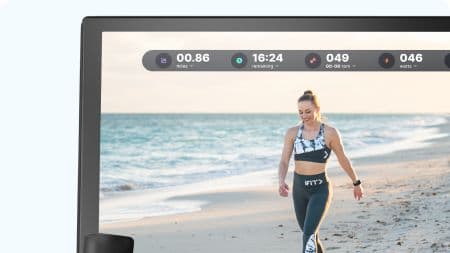
SmartAdjust is an iFIT feature that automatically adjusts workout intensity based on a user's fitness level and training history. During compatible trainer-led workouts, SmartAdjust can modify the machine's speed or incline so the workout stays appropriately challenging while following the trainer's programmed routine.
Instead of requiring manual adjustments throughout the workout, the feature scales intensity automatically while keeping the trainer's program structure intact.
For example, if a trainer leads a running interval, SmartAdjust may adjust the speed or incline slightly higher or lower depending on your previous workouts.
This approach allows users to follow the same guided training program while training at an intensity that fits their fitness level.
How SmartAdjust Personalizes Workouts
SmartAdjust works within the structure of trainer-led workouts in the iFIT library. These workouts are designed by professional trainers and typically include warmups, intervals, recovery periods, and progressive intensity changes.
Trainer-Led Workout Structure
Many iFIT workouts follow structured training formats designed to guide users through complete workout sessions. Trainers lead you through different phases of the workout such as warmups, effort intervals, recovery segments, and cooldowns. These structured sessions provide coaching, pacing guidance, and motivation throughout the workout.
However, every person experiences workout intensity differently. The speed or incline that challenges one user might feel too easy or too difficult for another.
SmartAdjust helps address this by adapting those trainer-led instructions to your fitness level.
Automatic Intensity Adjustments
During compatible workouts, SmartAdjust can modify settings such as speed or incline on connected equipment.
For treadmill workouts, this may include adjusting running or walking speed and modifying incline during hill segments. The goal is to keep you aligned with the trainer's workout plan while maintaining an intensity that fits your performance.
Progressive Training Over Time
As you complete more workouts, SmartAdjust can use your workout history to refine how it personalizes sessions. Over time, this helps workouts evolve alongside your fitness progress.
If your fitness improves, SmartAdjust may gradually increase intensity levels in future workouts. If you are just starting out, it may scale workouts to help you build confidence and maintain consistency.
This gradual adaptation helps support progressive training without requiring users to manually calculate new speeds or incline levels.
How SmartAdjust Works During a Workout
From a user perspective, SmartAdjust is designed to work quietly in the background while you follow the trainer’s guidance. The experience typically follows a few simple steps.
Workout Selection
First, you choose a trainer-led workout from the iFIT library. These workouts may focus on walking, running, interval training, endurance training, or other cardio goals.
Workout Calibration
When the workout begins, SmartAdjust references your workout history to scale the trainer's recommended intensity.
Real-Time Workout Adjustments
As the workout progresses, SmartAdjust may automatically adjust treadmill speed or incline to help match your personalized effort level.
This allows you to focus on the workout instead of managing pacing adjustments.
Equipment That Supports SmartAdjust
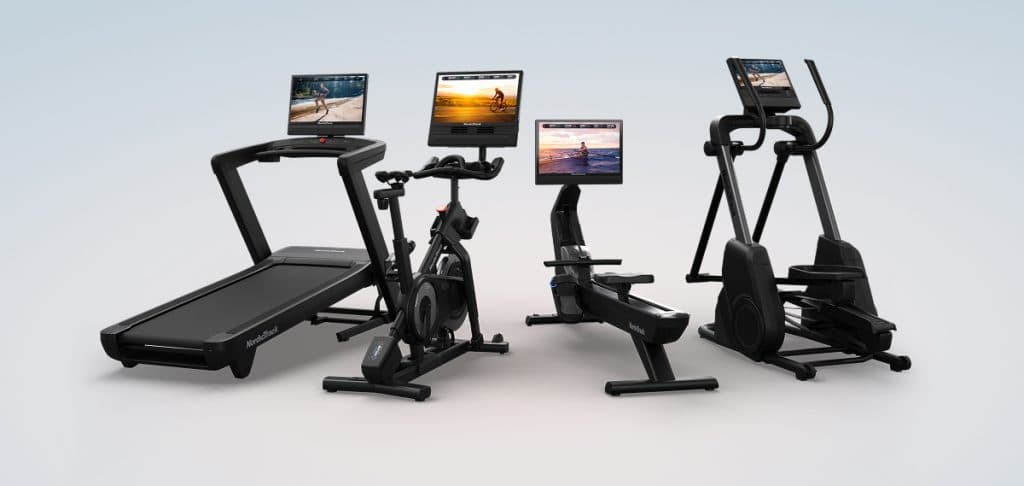
SmartAdjust works with compatible iFIT-enabled NordicTrack equipment across the lineup, not just treadmills. It integrates directly with the iFIT platform so workouts can control equipment settings automatically. Compatibility may vary depending on the device model and software version.
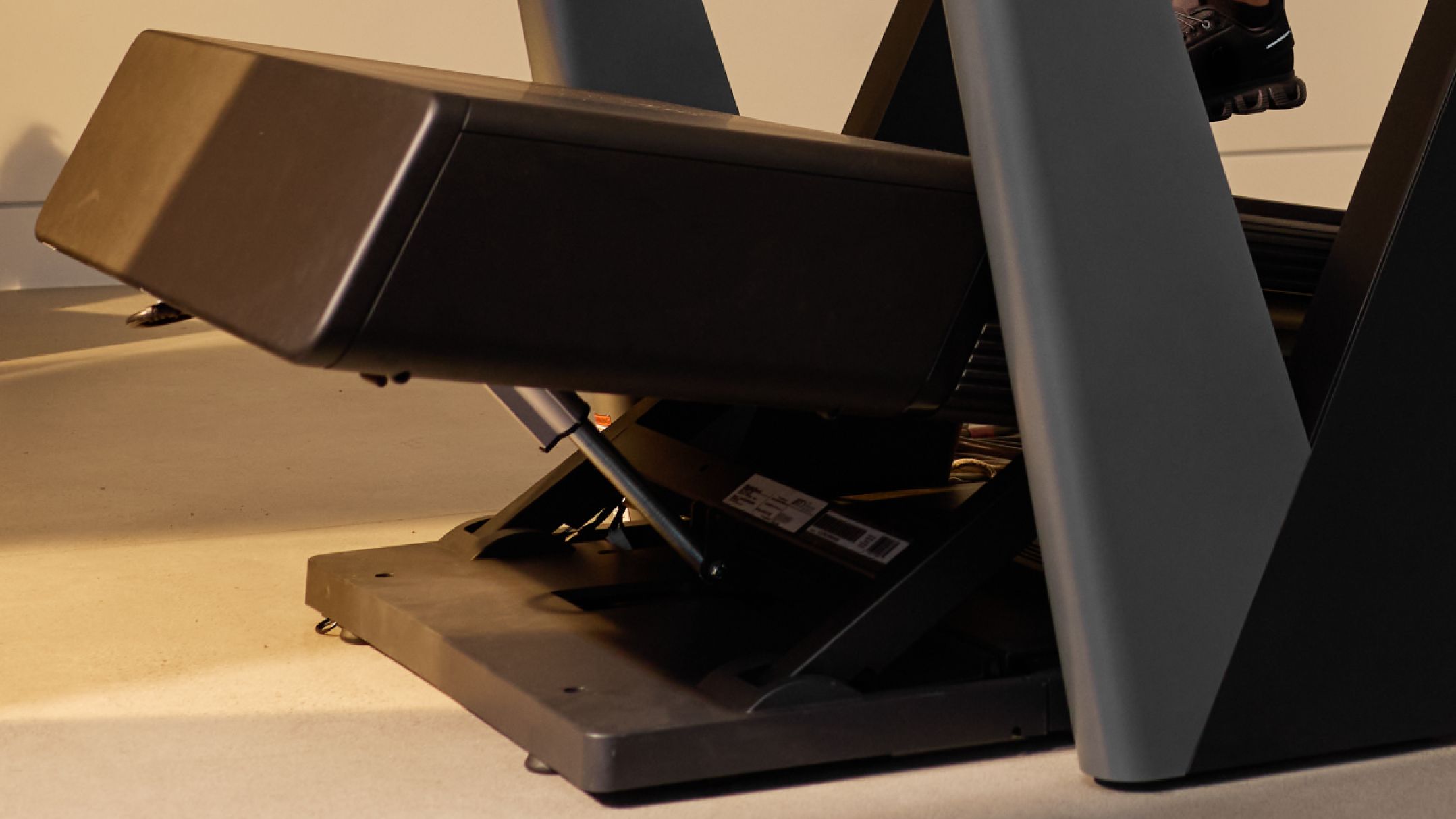
On treadmills, the NordicTrack Commercial 2450 is built for running-focused training with faster speeds and moderate incline, where SmartAdjust fine-tunes pace and hill intensity to match your fitness level. The NordicTrack X24 Treadmill has an incline and decline range built for steep climbing workouts, where SmartAdjust scales incline intensity as your training history evolves.
On bikes, the NordicTrack X24 Bike supports the same personalization, adjusting resistance and incline instead of speed. On rowers, the NordicTrack RW900 applies SmartAdjust to resistance, scaling each stroke's effort to your training history the same way it scales a hill climb on a treadmill.
The mechanics shift slightly by equipment type, speed and incline on a treadmill, resistance and incline on a bike, resistance alone on a rower, but the underlying idea is the same across all of them: the machine adapts to you, not the other way around.
Benefits of Personalized Workouts
Personalized workouts can make exercise more approachable by reducing guesswork around workout intensity.
Workouts Stay Challenging
When workouts are too easy, progress can stall. When workouts are too difficult, it can be discouraging to continue. SmartAdjust helps keep workouts in a productive range of effort by adjusting intensity to match your fitness level.
Improved Training Consistency
SmartAdjust automatically scales workouts based on your performance, making it easier to stay consistent with a structured training routine.
Guided Coaching Experience
SmartAdjust works alongside trainer-led workouts, which means you still benefit from expert coaching and structured programming. The feature enhances these workouts by helping them feel more personalized for each user.
How SmartAdjust Fits Into the iFIT Training Experience

SmartAdjust is one part of the broader iFIT training platform. The platform combines trainer-led workouts, performance tracking, and adaptive technology to create a guided training experience.
The hardware and the software aren't two separate products layered on top of each other. NordicTrack builds the mechanical range, the speed and incline a treadmill can physically reach, and iFIT's SmartAdjust decides exactly how much of that range to use at any given moment, based on your fitness level and training history. Neither half does much on its own. Together, they turn a treadmill into a system that responds to you specifically, not just to a generic workout script.
Note: iFIT subscription sold separately. Features vary by membership tier.
Try a SmartAdjust Workout
If you are new to iFIT and you want to experience SmartAdjust firsthand, a great place to start is the Intro to SmartAdjust workout series led by iFIT Trainer Gideon Akande. This short series introduces how the feature works while guiding you through trainer-led workouts designed to demonstrate how intensity adapts during a session.
You can start the series here.
Following the series can also help SmartAdjust begin learning from your workout patterns, which allows future sessions to become more personalized.
Explore More
FREQUENTLY ASKED QUESTIONS
Disclaimer: The primary purpose of this blog post is to inform and entertain. Nothing on the post constitutes or is intended to be a substitute for professional medical advice, prevention, diagnosis, or treatment. Reliance on any information provided on the blog is solely at your own risk. Always seek the advice of your physician or other qualified health provider with any questions you may have regarding a medical condition, and please consult your doctor or other health care provider before making any changes to your diet, sleep methods, daily activity, or fitness routine. Do not disregard professional medical advice or delay seeking it because of information available on this blog. NordicTrack assumes no responsibility for any personal injury or damage sustained by any recommendations, opinions, or advice given in this article. Always follow the safety precautions included in the owner’s manual of your fitness equipment.
RECENT ARTICLES
Equipment
Which Cardio Machines Are Worth the Investment?
Not all cardio machines deliver the same results. Compare treadmills, bikes, ellipticals, and rowers to find the model that fits your goals, joint health, available space, and how often you’ll train.
Aug 27, 2025 · 15 min read
READ MORE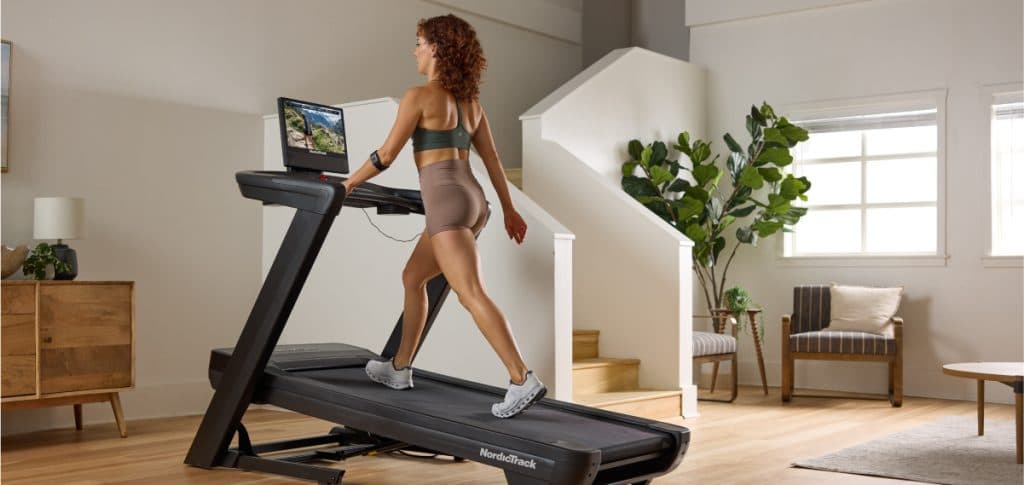
Equipment | Fitness
What Is Incline Training? Benefits, Science, and How to Start
Incline training burns more calories, recruits more muscle, and can be easier on your joints than flat cardio. Here is what the research actually shows and how to get started.
Oct 21, 2025 · 11 min read
READ MORE
Fitness | Workouts
How Treadmill Interval Workout Training Supports Fat Burn
A treadmill interval workout alternates high-intensity bursts with active recovery to maximize calorie burn and boost fat metabolism in as little as 25 minutes.
Oct 14, 2025 · 6 min read
READ MORE